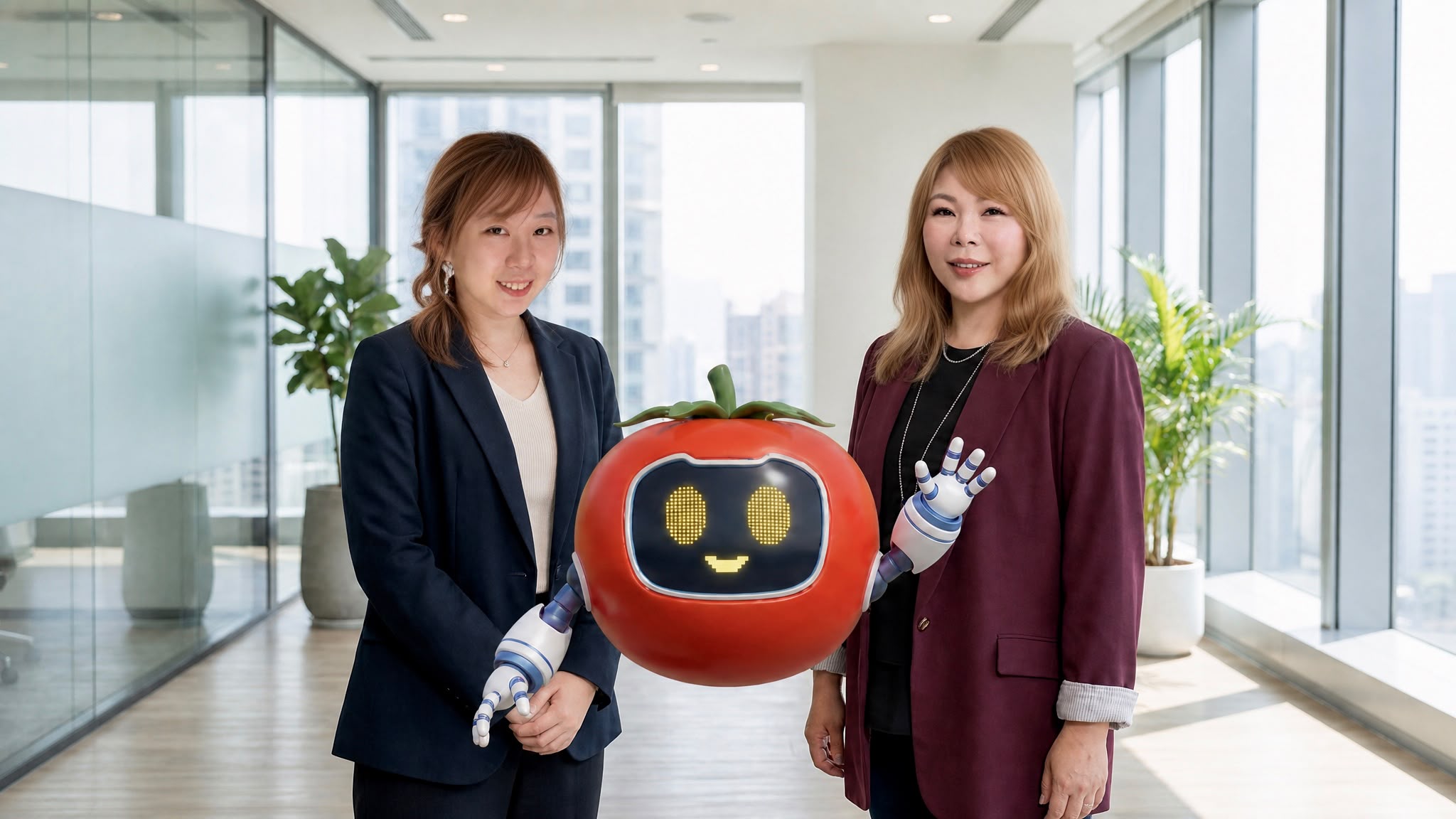
AI For All Subjects!
Bring lessons to life in 5 minutes
Interactive teaching with AI digital humans
Bring historical figures and school characters to life without code. Guided questioning and a teaching dashboard keep learning interactive and surprising.


Why is the sky blue?
Red, orange, yellow, green, blue…
Good question! Think first: what colours are in sunlight?
Right! So which colour does the air scatter most easily?
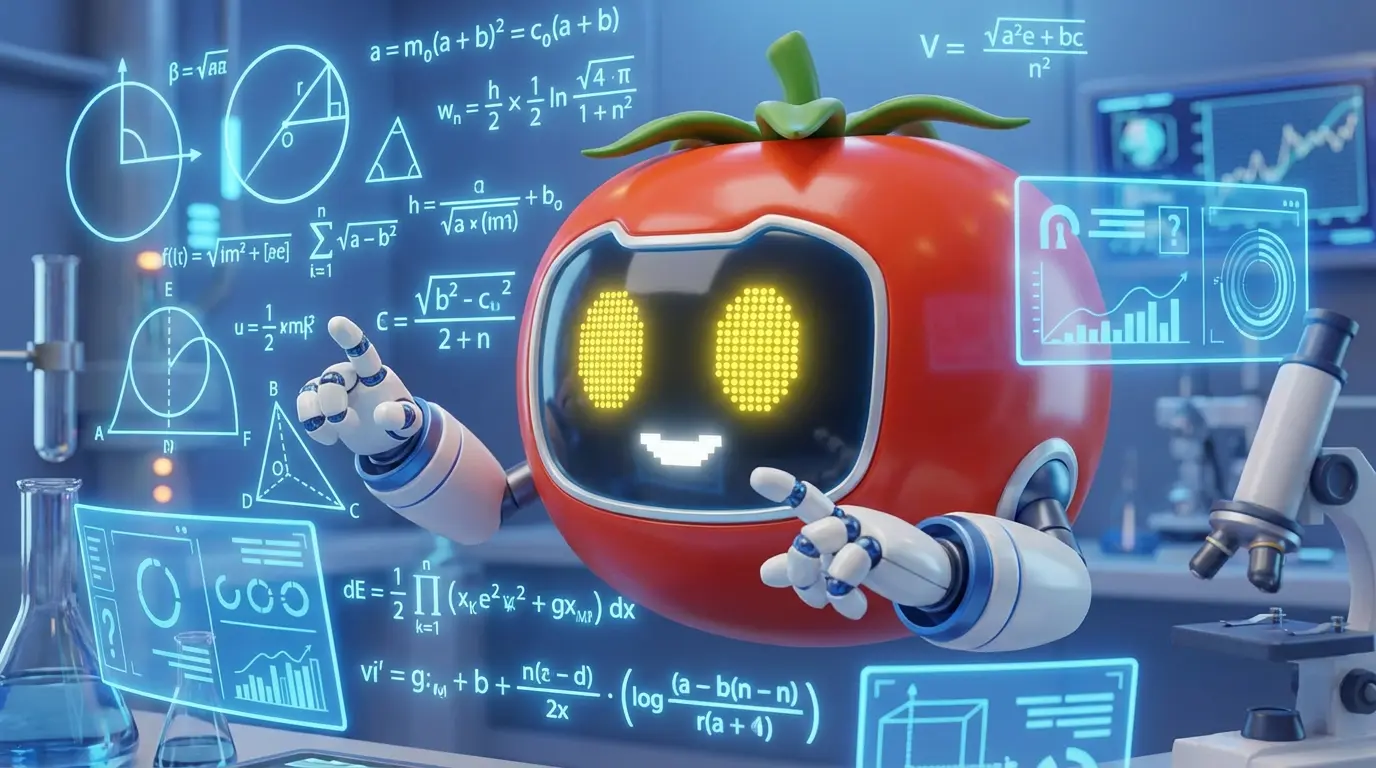
Our Vision
Our vision
ChopReality uses AI to reshape learning, giving every student in Hong Kong a way to learn that is more effective, more engaging and more personal. Our AI digital humans are study partners available at any hour: they motivate students, deepen understanding and build independent thinking and a growth mindset.
We believe technology is more than a tool. It is a driving force for better education, making learning smarter and more human.
More about usIntroduction Video
ChopReality in one minute
From conversations with a digital human to the teacher dashboard: see how a lesson really runs

Why ChopReality
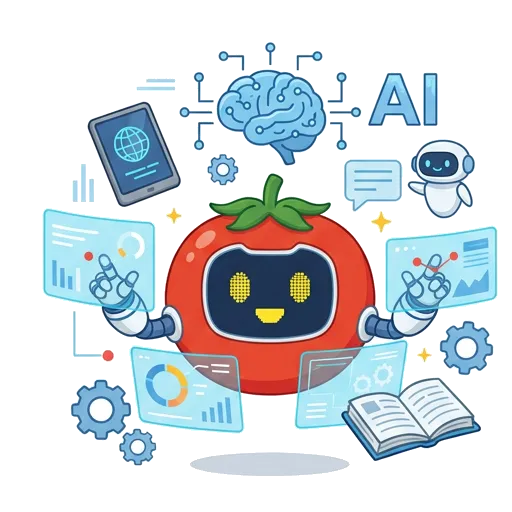
More than an AI tool: a complete partner for education
Unlike scattered education software or general AI that is not designed for local teaching, ChopReality supports the whole loop in one place
01Conversation and guidanceOur own scenario-based guided questioning
Asks questions first to prompt thinking, so students are never stuck for what to say
Text-only, passive replies
Students do not know where to start, so exchanges stay shallow
02Effort and cost to set upCustomise in 5 minutes, no code
All in one place: add school PDFs or web links and generate a 3D digital human quickly
Switching between tools and writing prompts
Scattered tools; custom development is costly and hard to maintain
03Tracking and transparencyA dedicated teaching dashboard
Live independent-thinking index, knowledge coverage map and our own stuck-point alerts
No dashboard: results are a black box
No view of conversation quality, off-topic chat or learning gaps
04Assessment and exam alignmentAutomatic questions by Bloom's levels
Aligned with HKEAA guidance, with AI-assisted marking of open questions and compositions
No local assessment framework
Cannot generate graded questions or mark in a structured way
05SEN and inclusionA fully forgiving space for repeated practice
Spoken Cantonese conversation with no fear of failure; supports social practice for ASD and routines for ADHD
No design for inclusion or emotions
Relies heavily on typing and offers no low-pressure social practice
For Teachers & Students
Empowering both sides: the classroom redefined for teachers and students
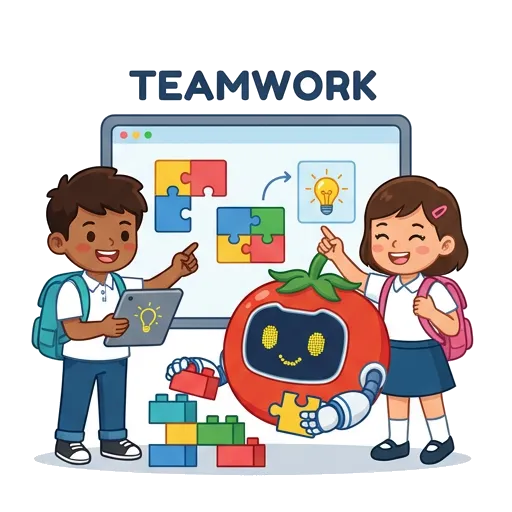
One visual workflow that connects teaching and learning end to end
 FOR TEACHERS
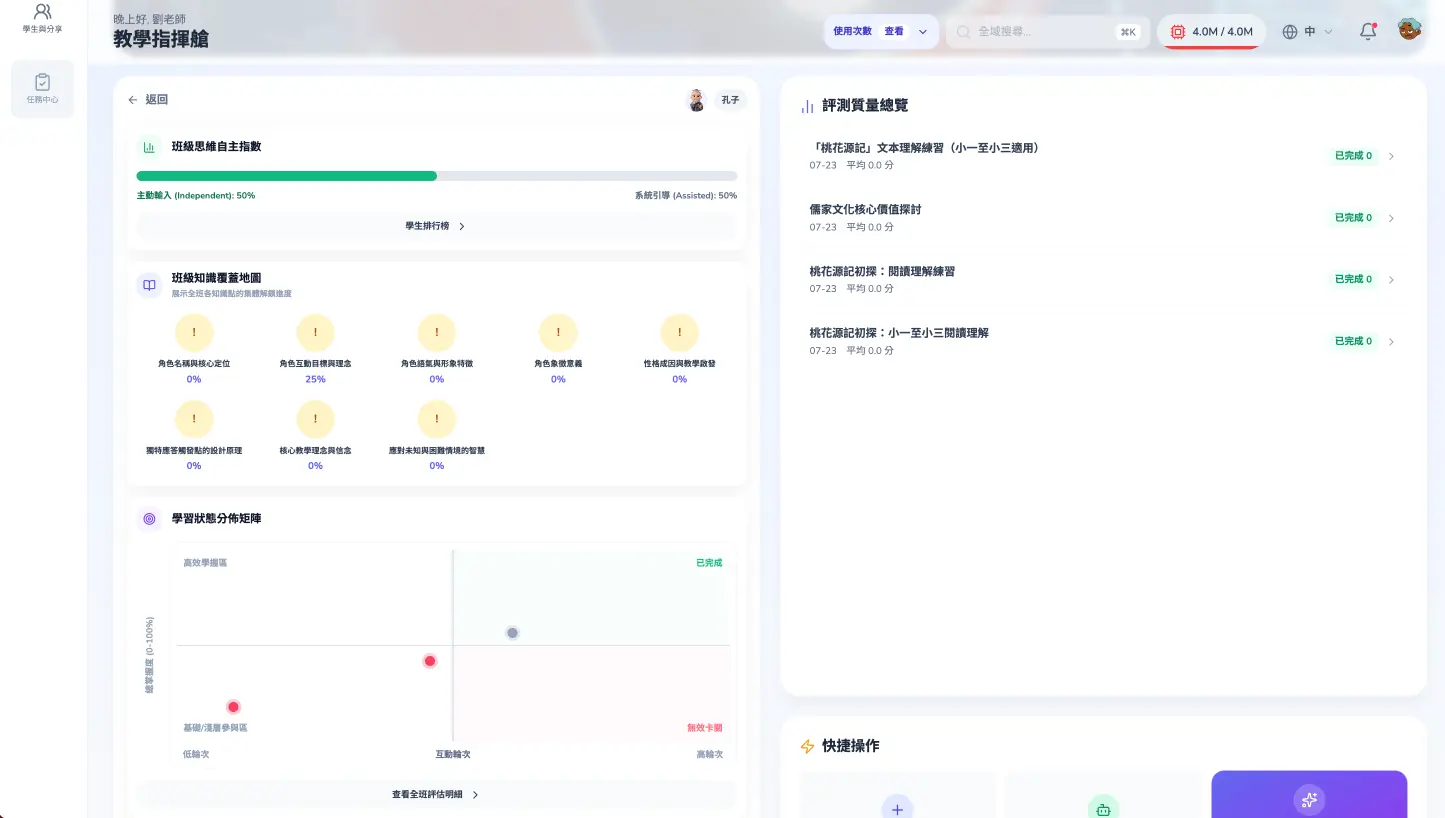
Teaching dashboard × smart lesson preparation
Create subject digital humans fast
bring back historical figures (Confucius, Tao Yuanming, Edison) or your school mascot in 5 minutes.
Smart question setting and marking
AI sets questions from your materials and marks open questions and compositions, saving 80% of the time.
Stuck-point alerts
students who drift off topic or disengage are flagged automatically so you can step in.
Learning made measurable
An independent-thinking index and a class-wide map of knowledge points covered (Kcovered).
 Request a digital human for your school
 FOR STUDENTS
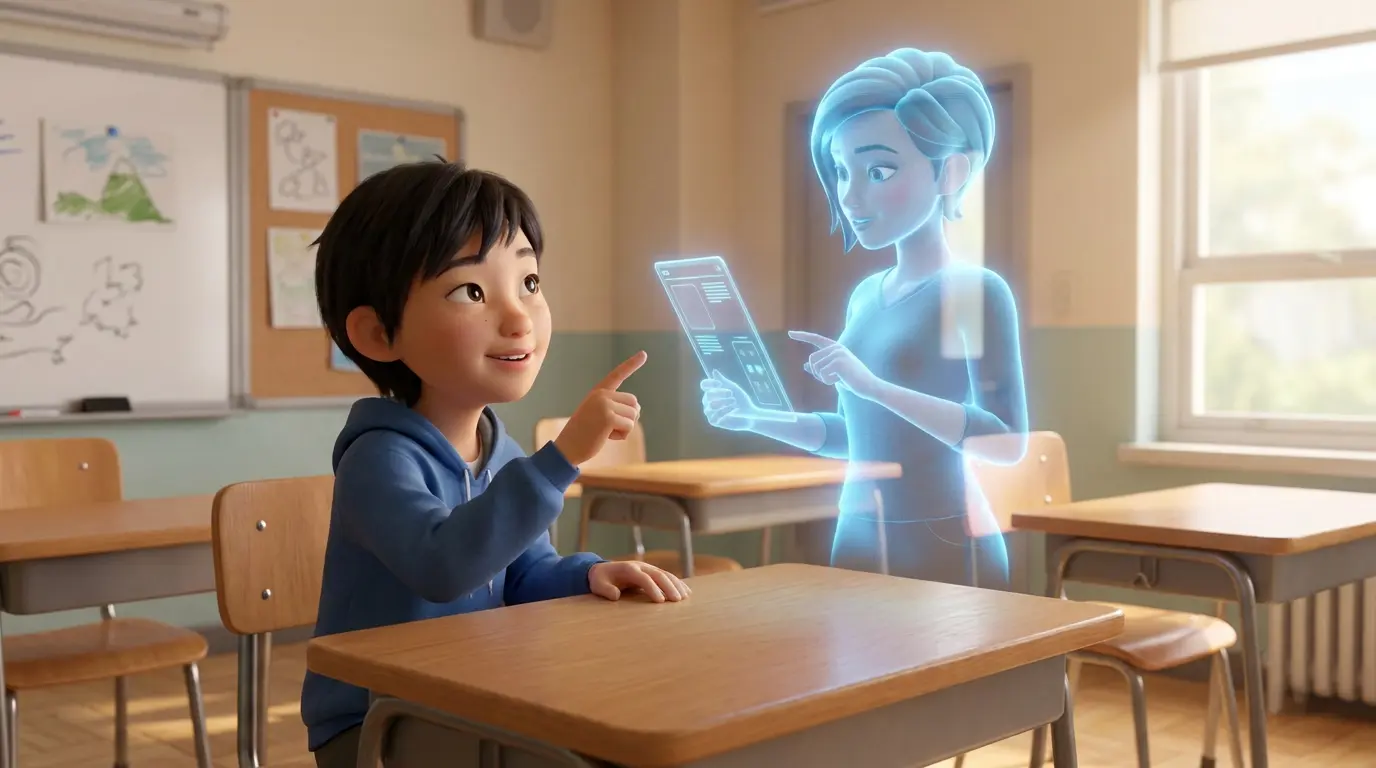
Learning by exploring × immersive interaction
Conversations across time
students talk or type on a tablet, computer or standing kiosk.
Guided thinking
the AI asks follow-up questions that lead students step by step into the core concepts.
Cross-subject projects
supports Chinese culture discussions, STEM experiments and language practice.
Three languages
full support for Cantonese, English and Putonghua, the way students actually speak.
AI FOR ALL SUBJECT
One platform for every subject
From Chinese writing to science experiments, the same digital humans and dashboard work for every teacher from day one
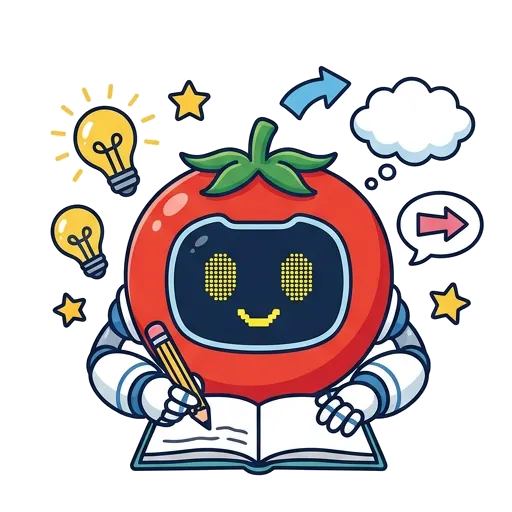
Chinese and writing
Guided questions widen ideas and arguments; AI helps mark compositions and suggests revisions.
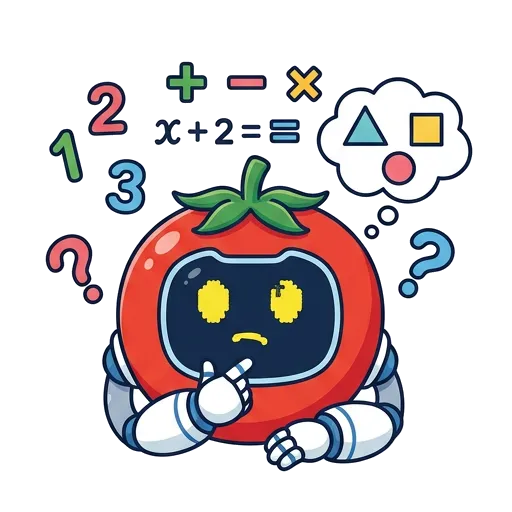
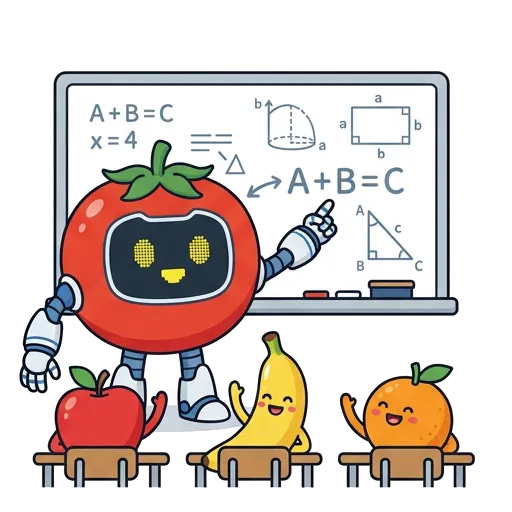
Mathematics and logic
Breaks problems into steps and asks questions to find where a student is stuck, without giving the answer away.
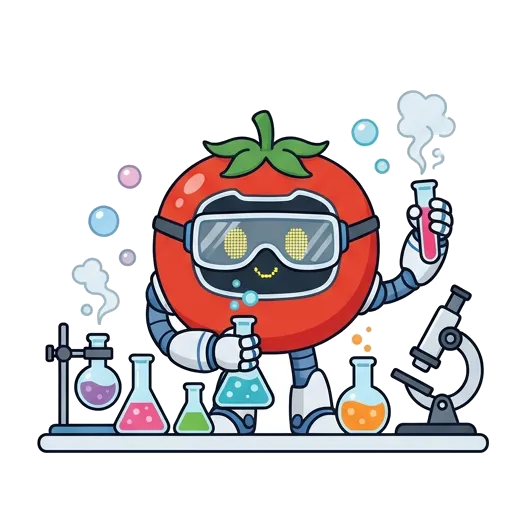
Science and experiments
Clarifies concepts and practises reasoning before and after experiments, building enquiry habits.

Visual arts and creative work
From gathering ideas to describing their work, students learn to explain their creative thinking.

Music and movement
Spoken Cantonese conversation with listening practice builds music theory basics with ease.
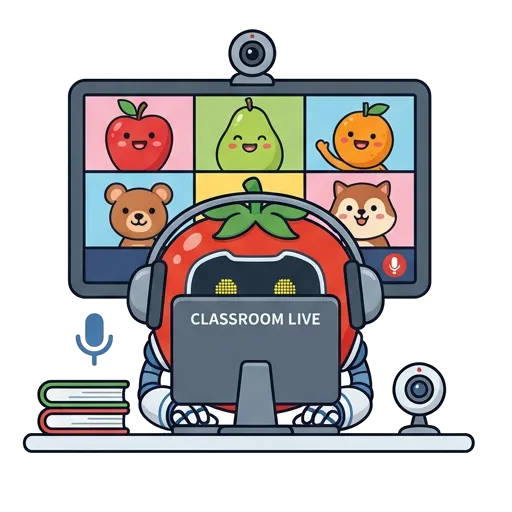
Online and blended lessons
Remote lessons keep pace with every conversation, and the dashboard records what students produce.
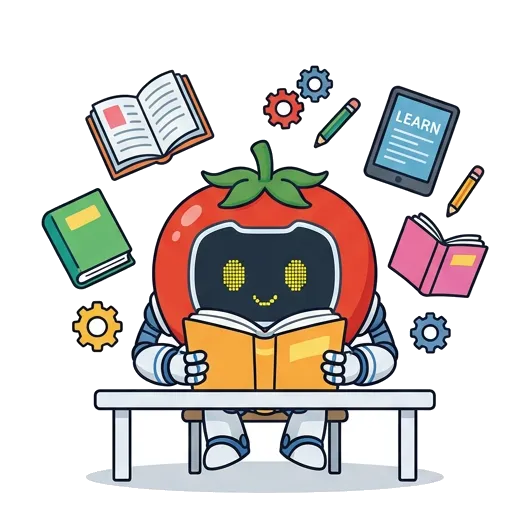
Reading and self-study
School materials become the knowledge base, so students can ask and check their understanding at any time.

Projects and enquiry
From first questions to organising findings, it accompanies students through the whole project report.
 SEN and inclusion support
A safe, low-pressure space for social practice
Every child learns at their own pace. ChopReality offers a fully forgiving environment designed for students with ASD and ADHD.
Practise as often as needed
no fear of failure, and unlimited rehearsal of social situations and emotions.
Speak in Cantonese
no typing needed, as natural as everyday conversation.
Colour-coded prompts
a low-structure, multi-sensory design that builds thinking and confidence step by step.
Support for SENCOs
AI spots learning bottlenecks and produces an individual diagnostic report automatically.
How It Works
A complete loop, online and in class
Data-driven teaching and learning that keeps refining each student’s path
01
Create your character
Set the look and personality, add school materials and build its own knowledge base.
02
Guided conversation
Scenario-based questions over several turns prompt students to think for themselves.
03
Bloom's-based assessment
Covers all six levels from remembering to creating, with automatic marking and individual reports.
04
Teaching dashboard
Tracks the independent-thinking index and knowledge coverage, and suggests targeted teaching strategies.
Add-ons
Four advanced features
that take digital humans beyond the chat box
Everything below is the real product, shown with demo data. These four are add-ons, enabled separately for each school.
01
Add-on
Mock interviews
Like a real video interview, with a digital human asking one question at a time.
Details
- Full screen, spoken answers only, with a live countdown
- Questions are set by the teacher, or drawn at random from a bank
- Marked by question type afterwards, with a rewritten answer and progress over time
02
Add-on
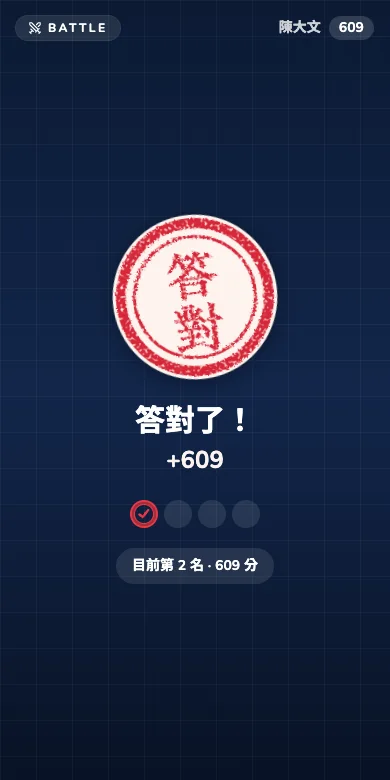
Live classroom battle
One QR code and the whole class races to answer.
Details
- A digital human hosts on the big screen and comments on how the class did
- Students answer on their phones, earning a stamp for each correct answer and gold for a streak
- Scores are for class practice only and never affect formal quizzes
03
Add-on
Website chat widget
Put a digital human on your school website to answer parents and visitors.
Details
- Paste one line of code. Visitors do not need to sign in
- It answers only from what the school provides and refers visitors to the office otherwise
- A daily cap and a list of allowed websites keep the cost under control
04
Add-on
Import existing papers
Use the worksheets your school already has, without writing questions again.
Details
- Supports Excel, Word and PDF
- You review every question first. Nothing with an unconfirmed answer is saved
- Once in the bank, questions can be built into quizzes at any time
Included
Just as useful: new features already included
No add-on needed. Every school can use these today.
Self-practice
Students pick a topic and practise with questions made for them, marked instantly with an explanation.
Difficulty and higher-order thinking
Set the difficulty mix and lean towards higher-order thinking when generating questions, or make any question harder in one click.
Conversation safeguards
Inappropriate language and personal data are blocked automatically. Teachers are alerted to signs of distress and can add their own alert words.
Knowledge base backup and restore
Export a digital human’s knowledge base, restore it at any time, and keep earlier versions automatically.
Academic Endorsement
Academic advisers and endorsements
- Please note Eligible under the “AI for Empowering Learning and Teaching” Funding Programme
- Academic adviser, MA in Digital Media and Web Communication, The Hang Seng University of Hong Kong (HSU)
- Academic adviser, MSocSc in Smart Cultural Tourism, Hong Kong Shue Yan University (HKSYU)
- Founder of INDEX Academy
- Developed with support from the PolyU graduate start-up fund and the HKSTP Ideation Programme
FAQ
FAQ
Answers to what schools, panel heads and teachers ask most before adopting

Q1: Can teachers create an AI digital human without coding?
Q2: How is ChopReality really different from general AI such as ChatGPT?
Q3: How does the platform support SEN and social practice?
Q4: How do the generated questions match Hong Kong assessment standards?
Q5: Which government funding can schools use to adopt ChopReality?
Q6: Which devices are supported? Is there software to install?
Creator Studio
Student creator projects
Students in a school digital human project start with research and, step by step, turn what they find into a digital human you can talk to, with their teacher guiding them throughout.
Creator loginSign in with the creator account from your teacher. Teachers and students should use the login at the top of the page.
- Choose a topicPick a character and questions
- ResearchNote every source
- Organise knowledgeWrite it in your own words
- BuildIts look, voice and personality
- Test and fixResearch again when it can’t answer
- ShowcaseSee each other’s work
Book a time to find out more
Contact the ChopReality team to arrange a school trial and support with your Quality Education Fund (QEF) application.